Hyplr Business. Your back office, handled.
For the one person who does it all: Hyplr finds the invoices your company sent, has the reminder ready when one is late, and prepares the quarter for your accountant.
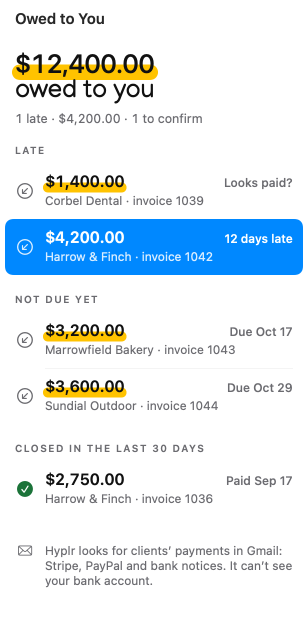











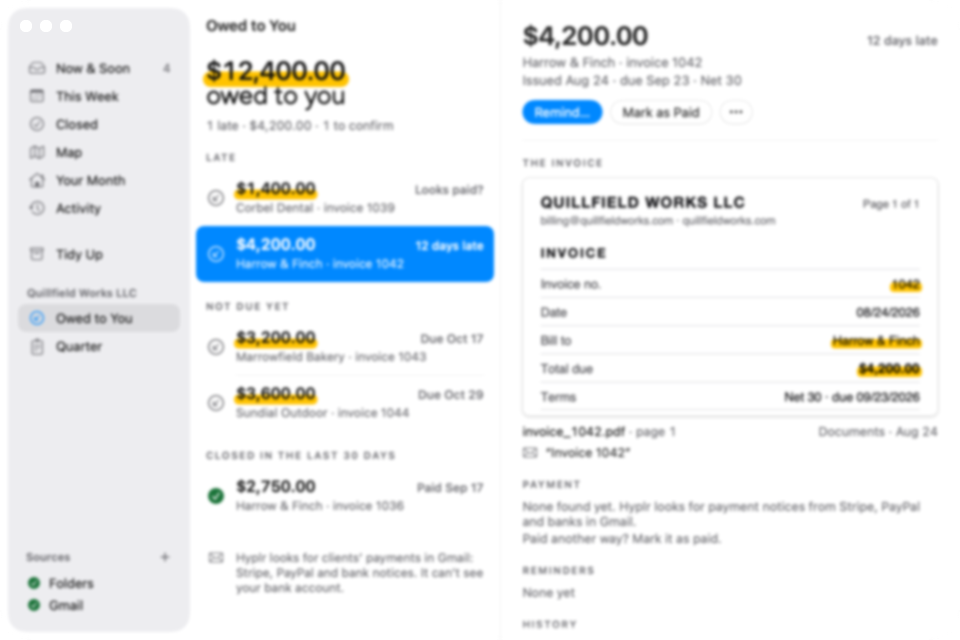

The email you keep putting off.
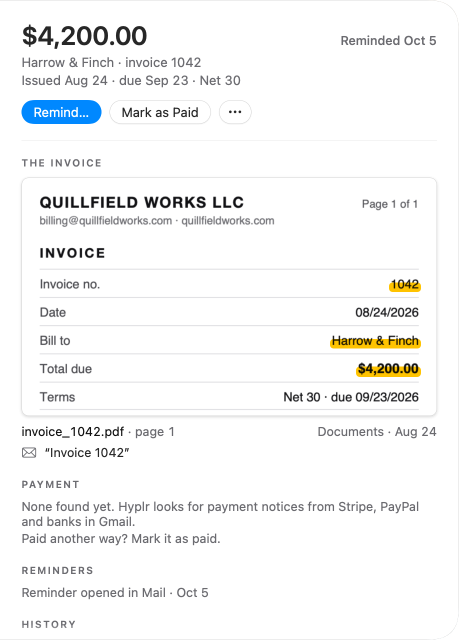
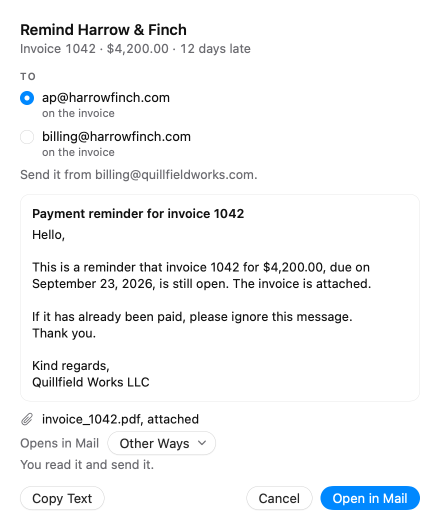
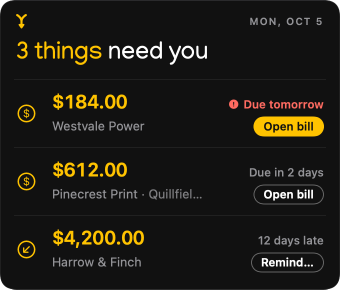
The reminder is already written.
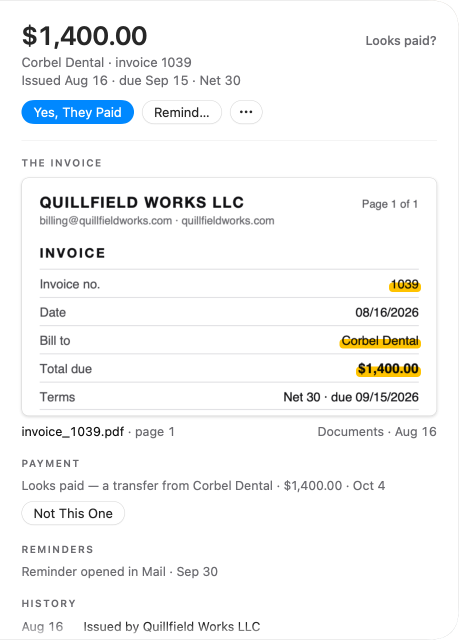
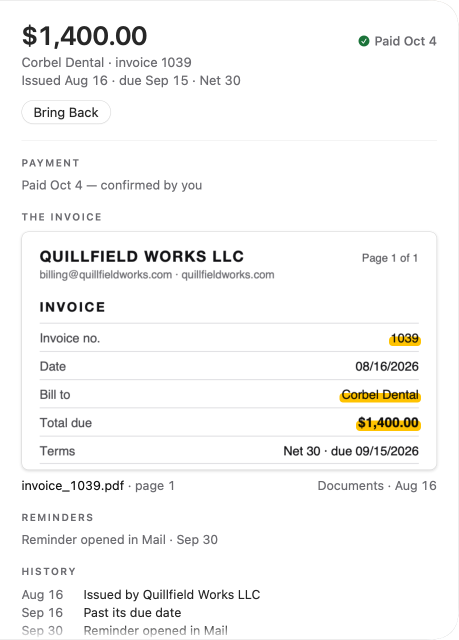
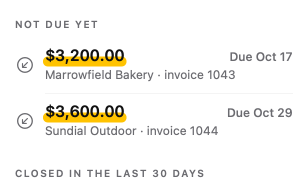
Who owes what, at a glance. Each late invoice has a short, polite email ready to send from your own mail.
Every quarter, an evening of receipts.
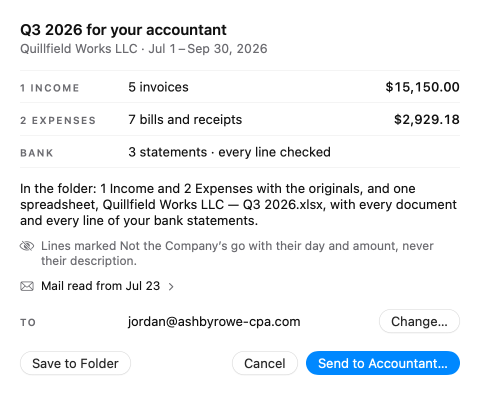
Your quarter, ready to send.
Income and expenses sorted, every line of your bank statement checked. Hyplr never connects to your bank.
For your accountant: two folders and one spreadsheet.
One inbox for the company and for you.
Company and home, each in its place.
Your company gets a back office of its own: what clients owe, its quarter. Its bills stay out of your home’s spending.
Nothing to set up.
Questions
Does Hyplr Business make invoices or do my taxes?
No. Keep making invoices the way you do now: Hyplr reads the ones your company sends. It never pays anything, and your accountant does your taxes, with the quarter you send.
Do I need Hyplr Business?
Yes, if you run a company (like an LLC) and do its paperwork yourself. For your own bills, deliveries and deadlines alone, Pro is enough.
Can I switch from Pro to Business?
Yes, with or without a company in Hyplr. Click Switch to Business… in Settings › Plan, then confirm on Stripe’s page. What’s left of your Pro counts toward it. Your key stays the same.
Can my team use Hyplr Business?
Not today. Business is made for one person: each Mac keeps its own papers and answers, and nothing of a company is shared between Macs or people.
See what Hyplr finds. Then decide.
Hyplr is coming to the Mac.
When Hyplr is out, your first reading and its summary are free, and its free week covers Business too. Prices come with the release.
Apple silicon (M1 or later) · macOS Tahoe 26 or later · Apple Intelligence optional